

SUM
Expense tracker as a beautiful database. Optimised for quick entry and AI-powered analysis. Stripped down to essentials.
Financial difficulties? Write to me — I'll gift you a year.
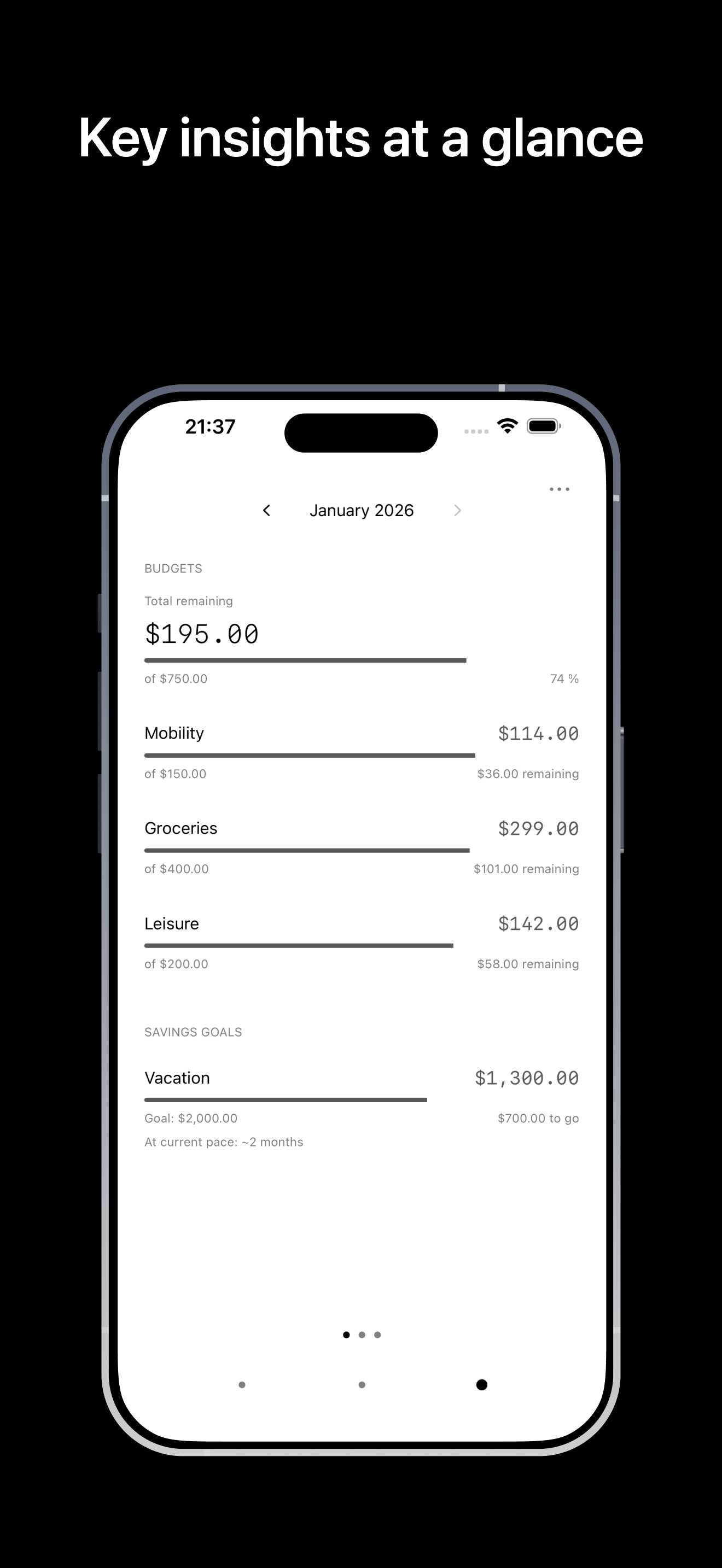
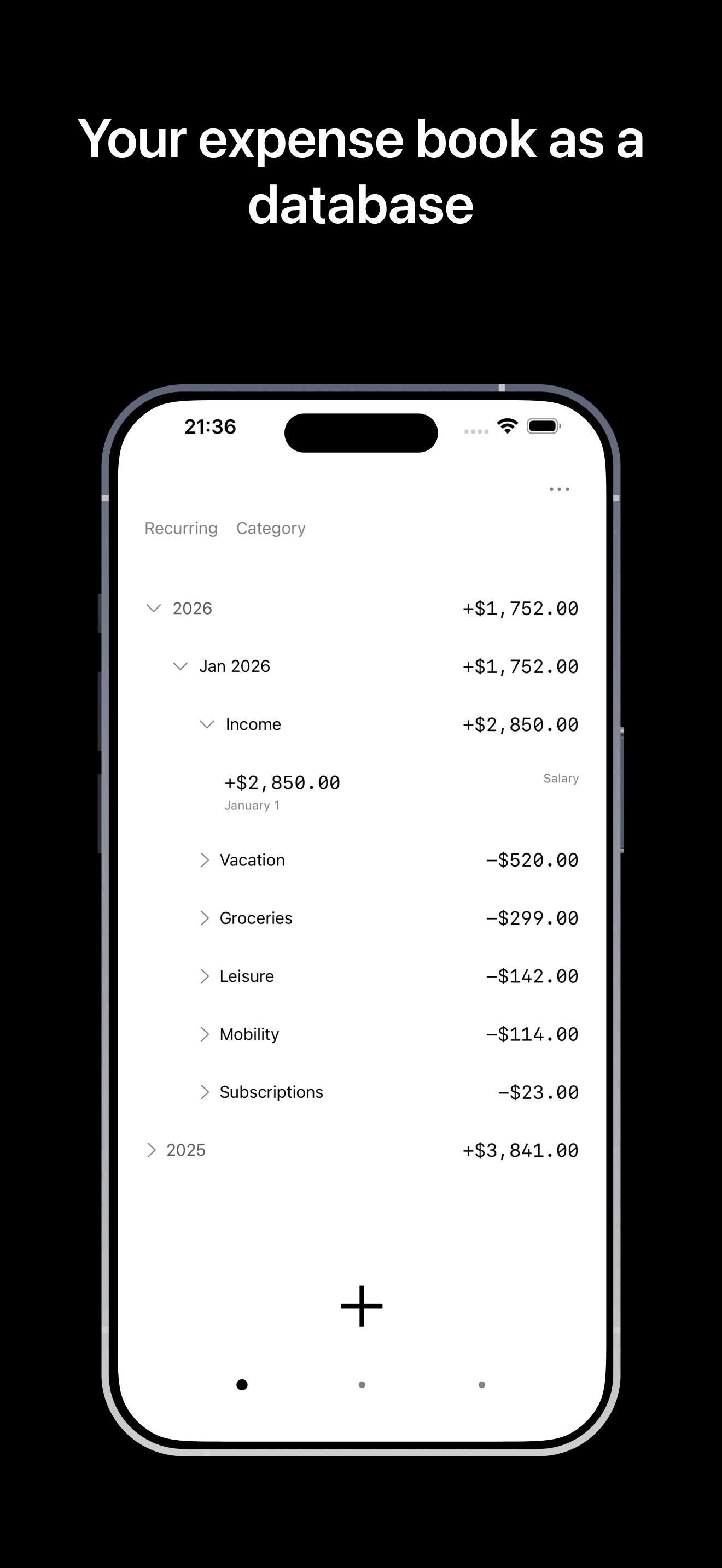
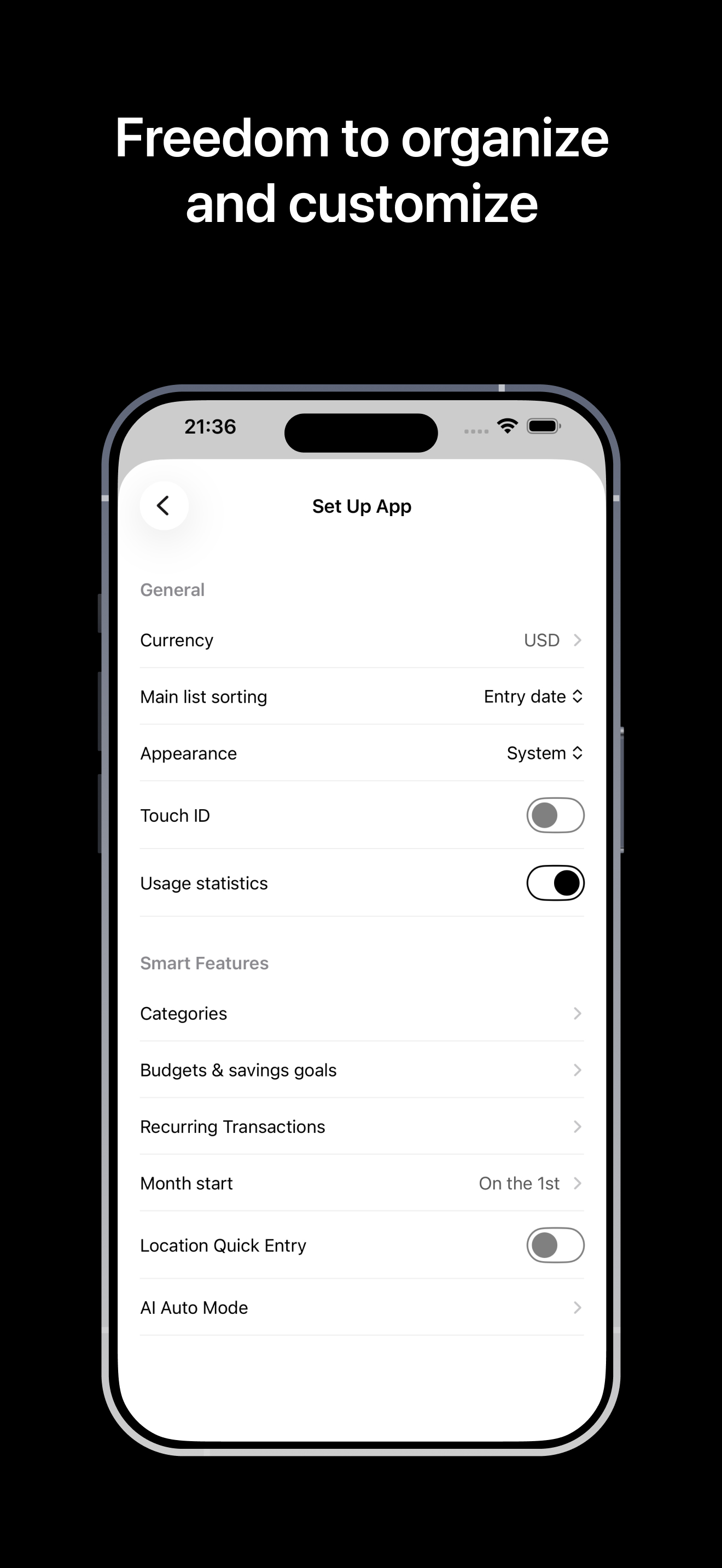
There are hundreds of expense tracker apps. None of them suited my needs.
So I developed my own. Through small but targeted adjustments, Sum has become my preferred solution.
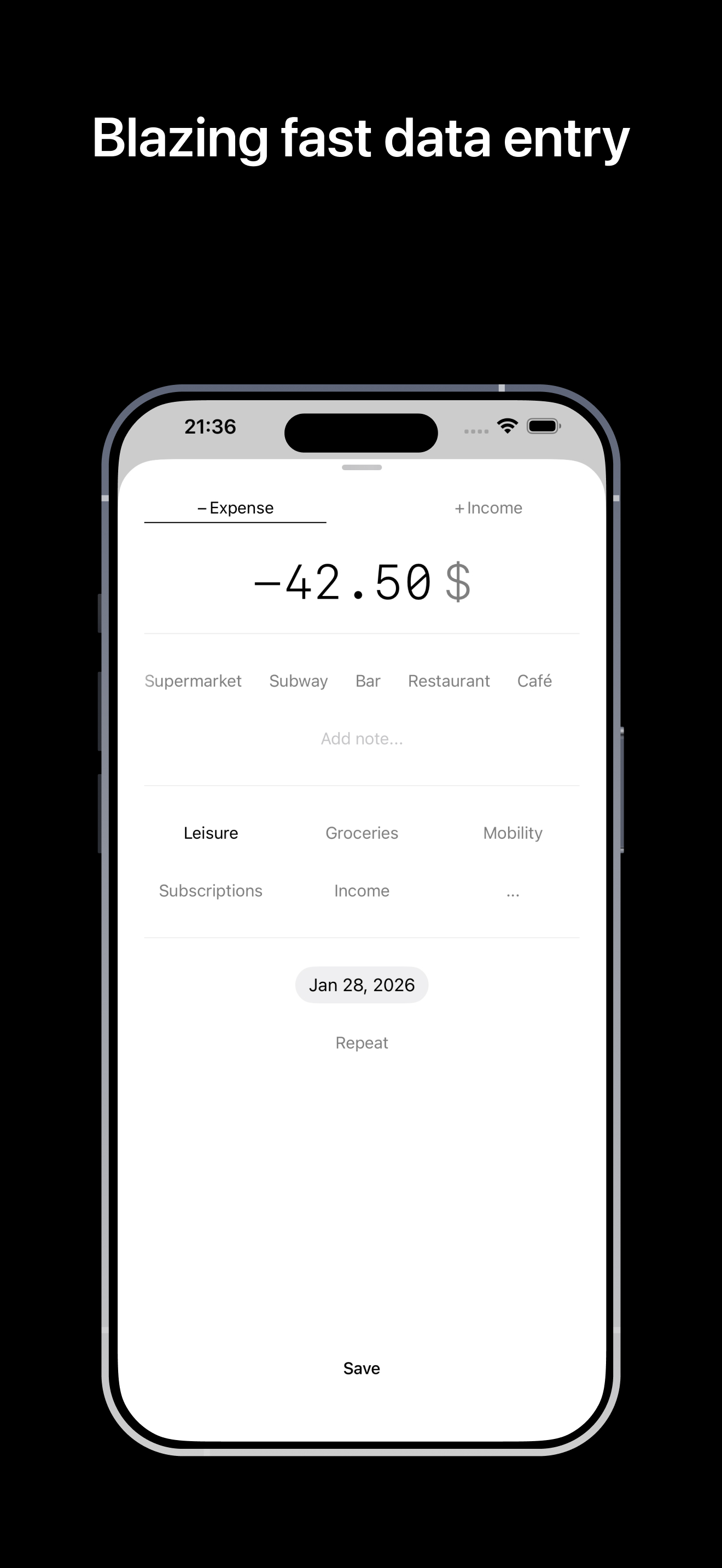
Control stays with you while data entry is greatly simplified. The time between "open app" and "entry saved" has been reduced to a minimum. AI can support this process so that in many cases you wouldn't even need to open the app.
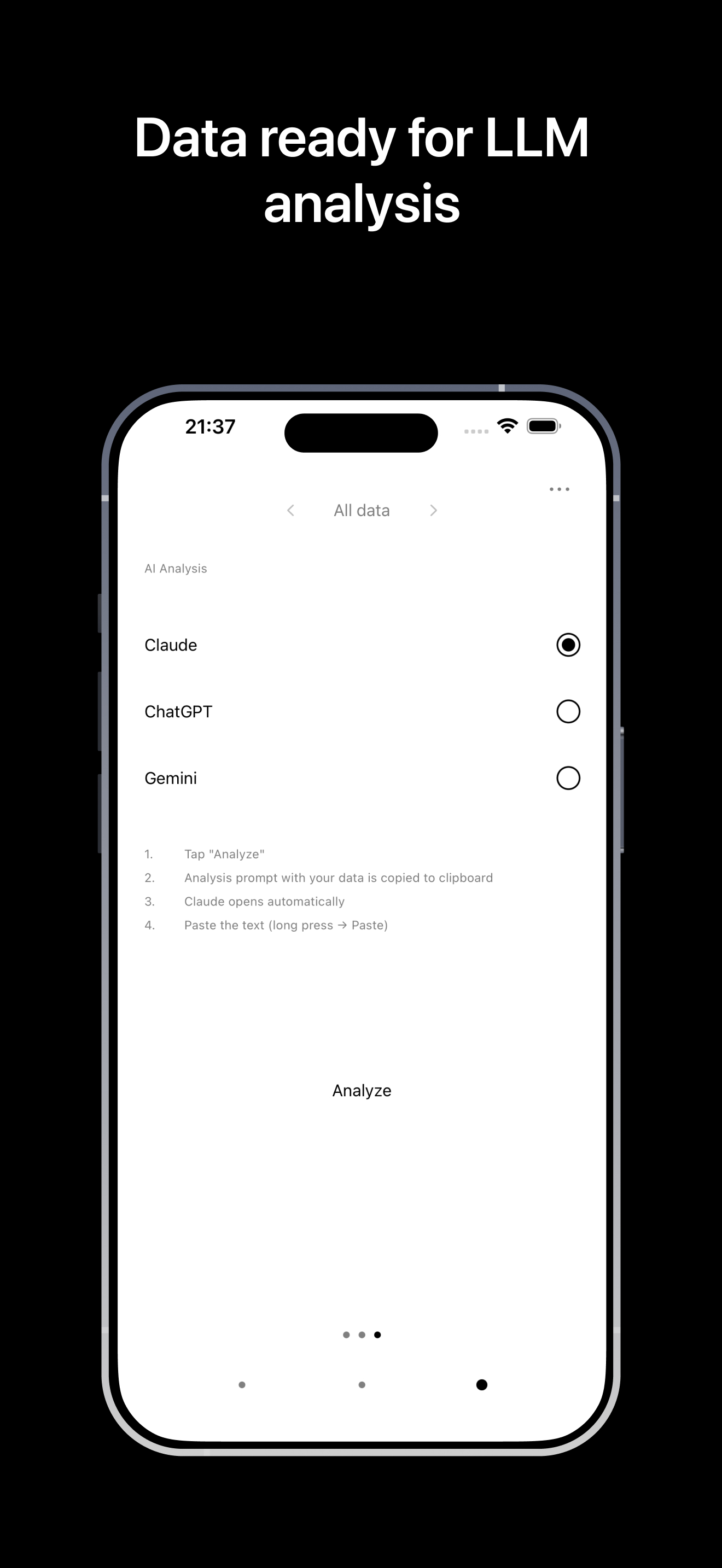
AI analysis through LLMs: Instead of developing custom analysis logic, the app prepares your data so it can be used directly in ChatGPT, Claude, or Gemini — for analysis, forecasts and recommendations.
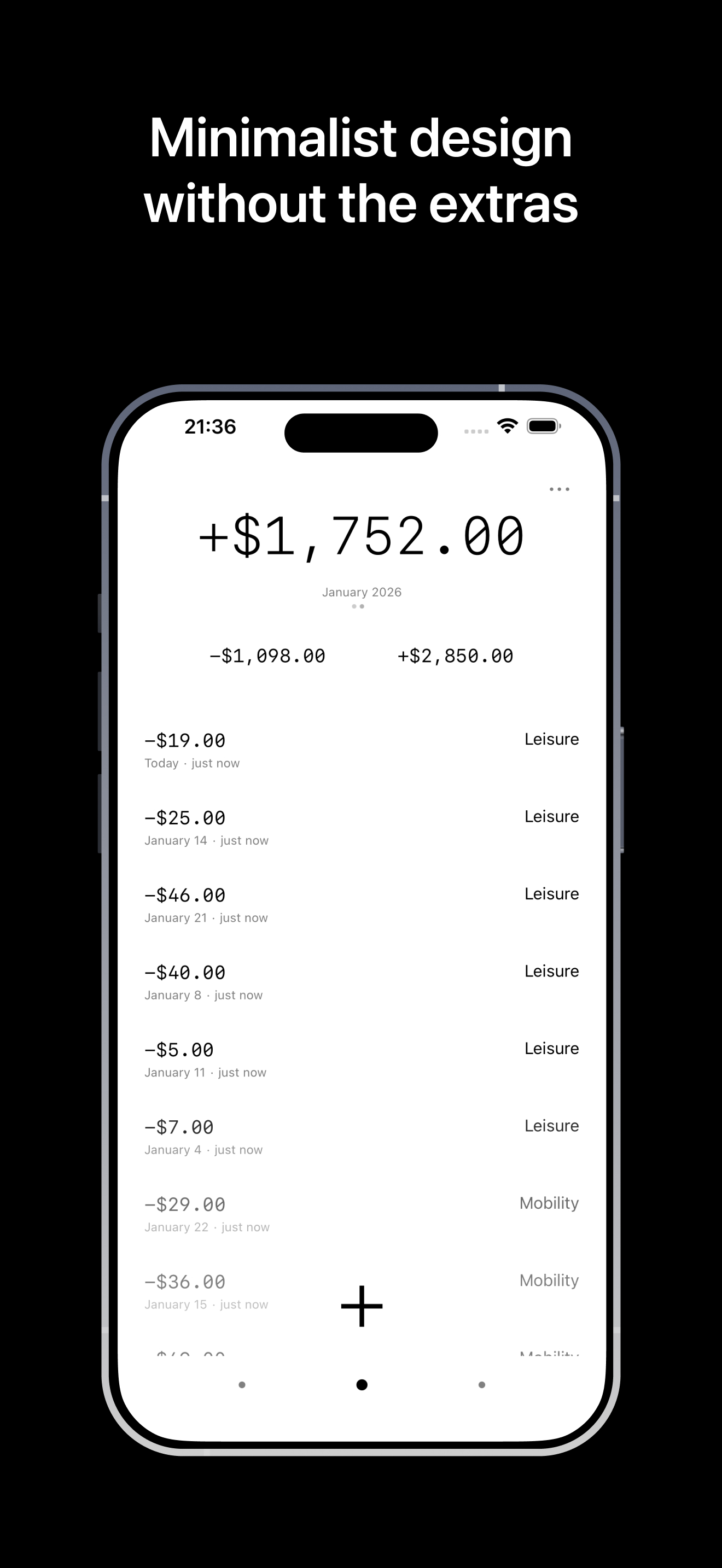
Minimalist design: The app is designed to look beautiful and works without distracting extras.
Fast Entry
Enter amount, tap category, save. The app remembers your entries and suggests automatically next time. Location detection fills in category and note for you.
AI Auto Mode
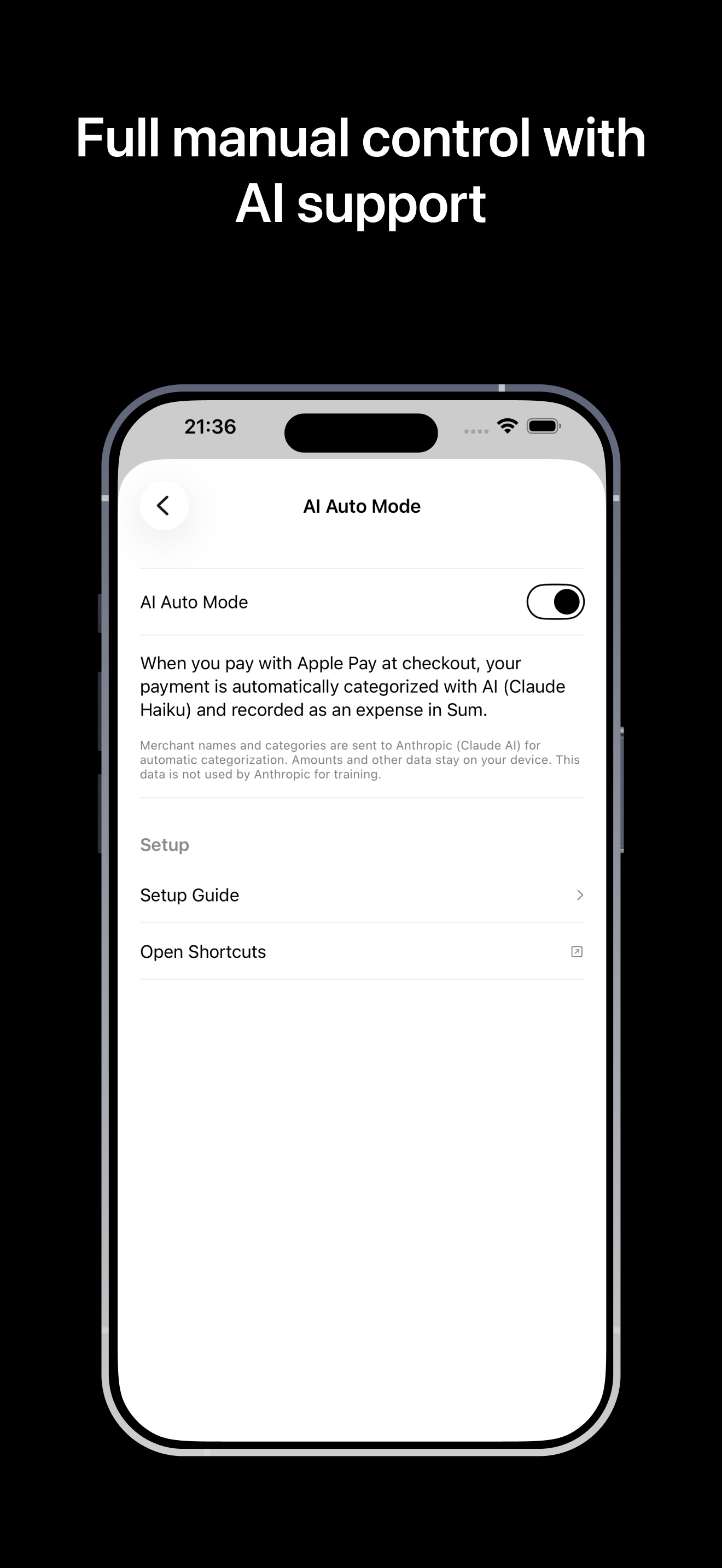
When you pay with Apple Pay, the app can automatically categorize and record your payment. You don't even have to open the app.
AI Analysis Export
Your data, prepared for ChatGPT, Claude, or Gemini. Real analysis, forecasts, and recommendations — from the best language models, not from built-in logic.
Your Data
No login, no account, no cloud required. Everything stays on your device. You decide if and which AI sees your data.
Shared Lists
Manage finances together — with your partner, family, or roommates. End-to-end encrypted sync.
42 Languages
All Apple languages. All currencies. Made by a European — we read GDPR for bedtime stories.
API, MCP & CLI
Connect Sum via REST API, Model Context Protocol (MCP) or CLI with AI Agents — Claude, ChatGPT, or your own automations.
Sum as your personal finance database. AI Agents as analysts who evaluate, maintain, and automate it for you.